
1. Download the Theme: Find and download the custom theme you want to install. Ensure it's compatible with your version of Odoo.
2. Access Odoo Backend: Log in to your Odoo backend with Administrative privileges.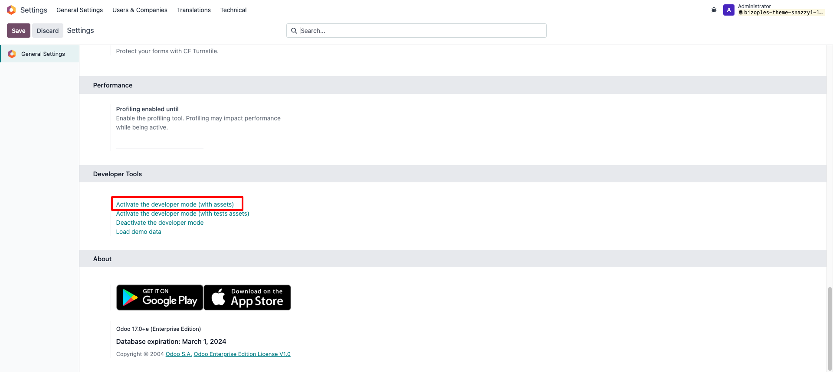
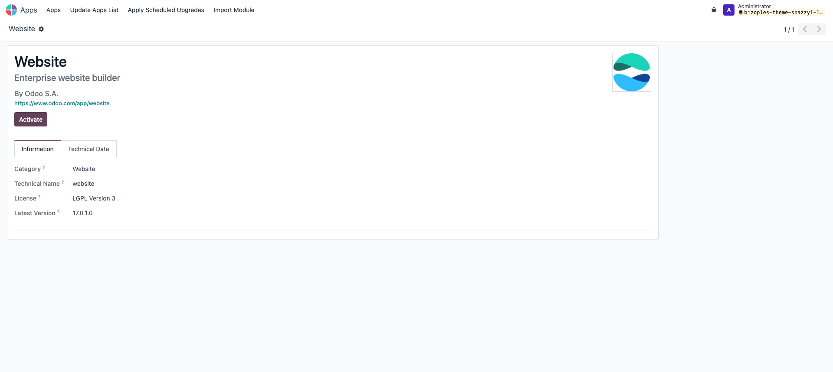
5. Upload the Theme: Go to your Server Backend, find your Custom Addons Folder, and Upload your theme Folders and Files. Custom addons folder located based on your Odoo installation.
6. Install the Theme: Go to The Website and Click on the "Edit" on the Top Right Corner.
In the theme tab, you can see the Switch Theme Option. Click on Switch Theme.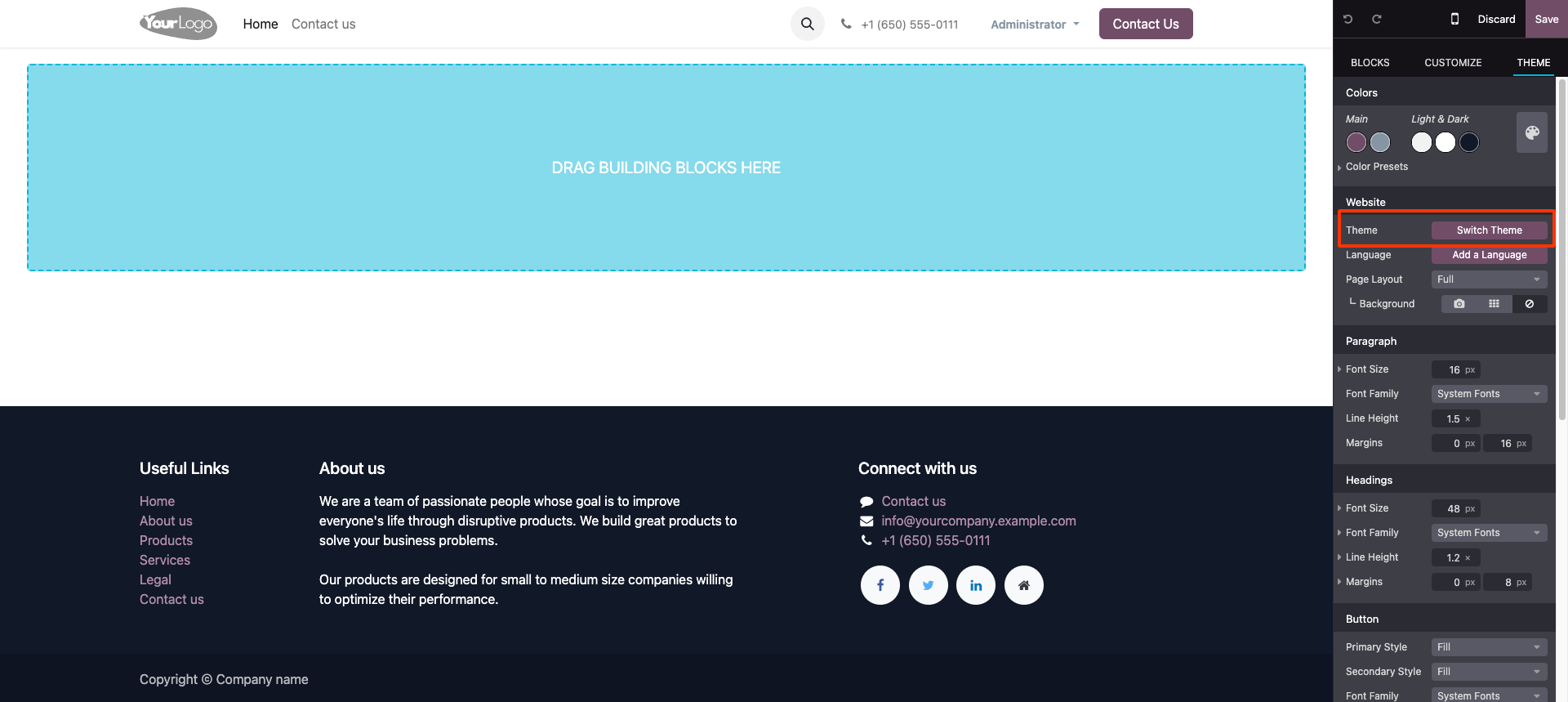
7. Activate Theme: After clicking on the Switch Theme You can See Your Custom Theme in a Pick a Theme Option. Click on the "Use this theme" Button. Wait unit it's installed in your Database.
8. Customize Homepage: 
How to Install Custom Odoo Theme
January 31, 2024|Bizople
odooodoo17odoothemes

